



Rooms Available 2026
Grand Central Unite,
Liverpool
 Skelhorne Street, Liverpool, L3 5GA
 Jan Intake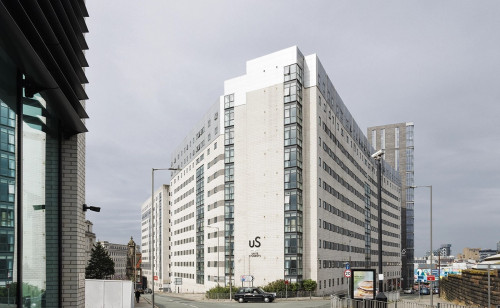
DEALS STARTING FROM
£105
Per Week
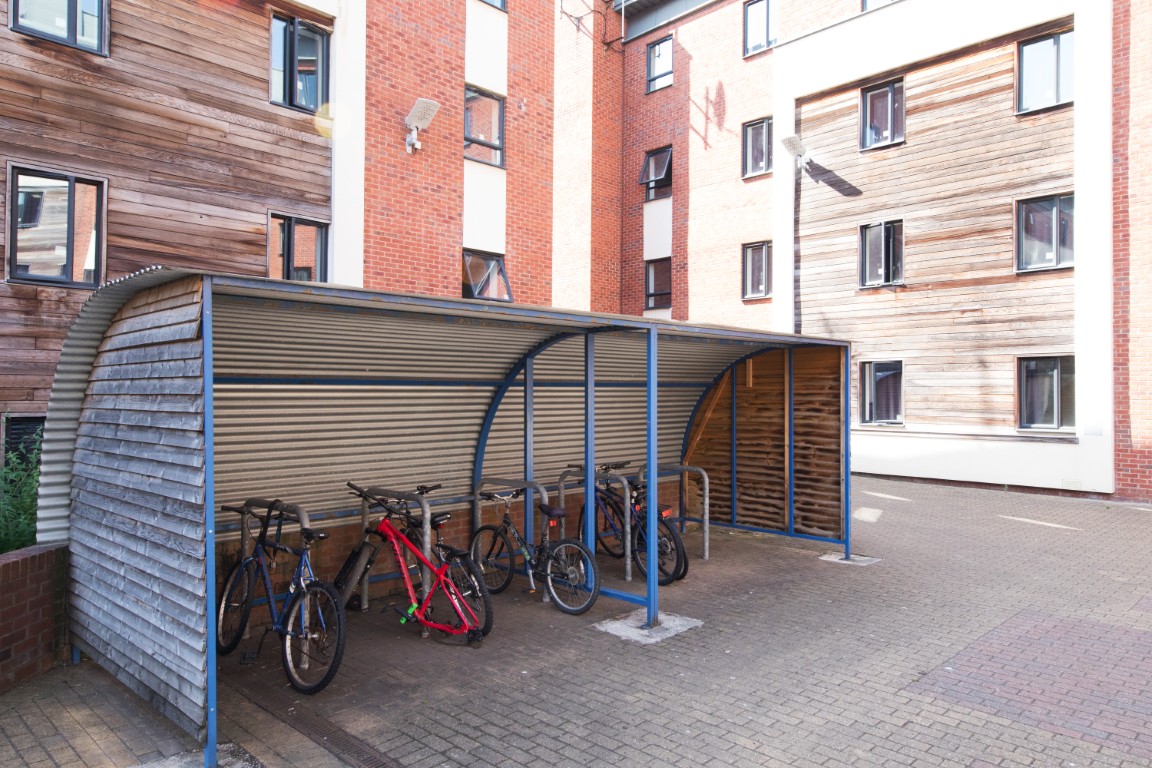
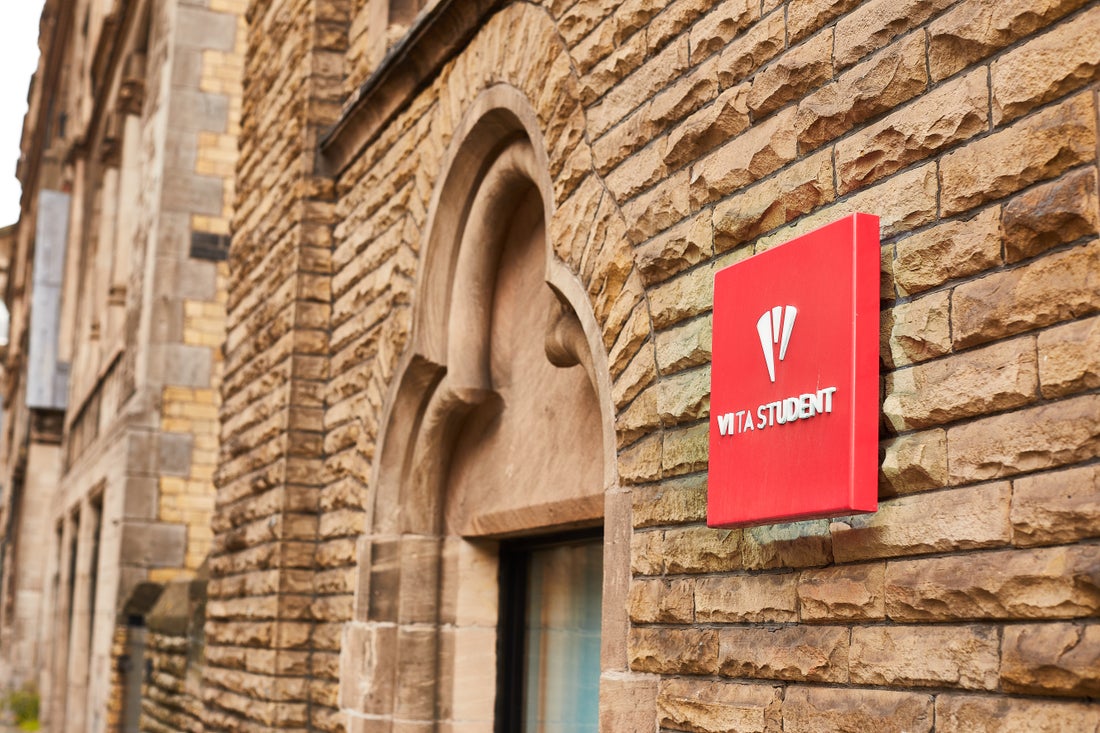
Exterior Entertainment
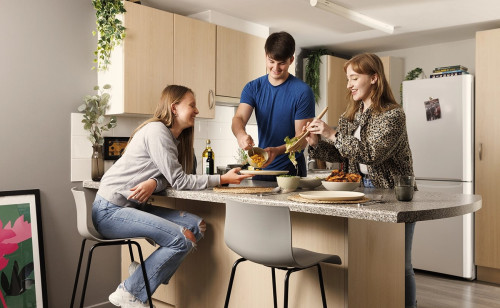
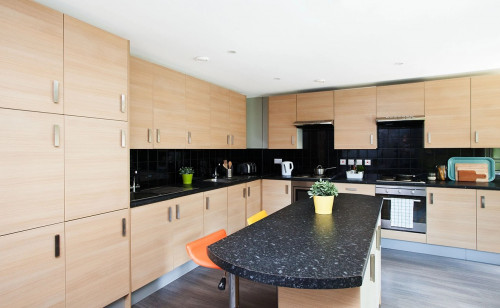
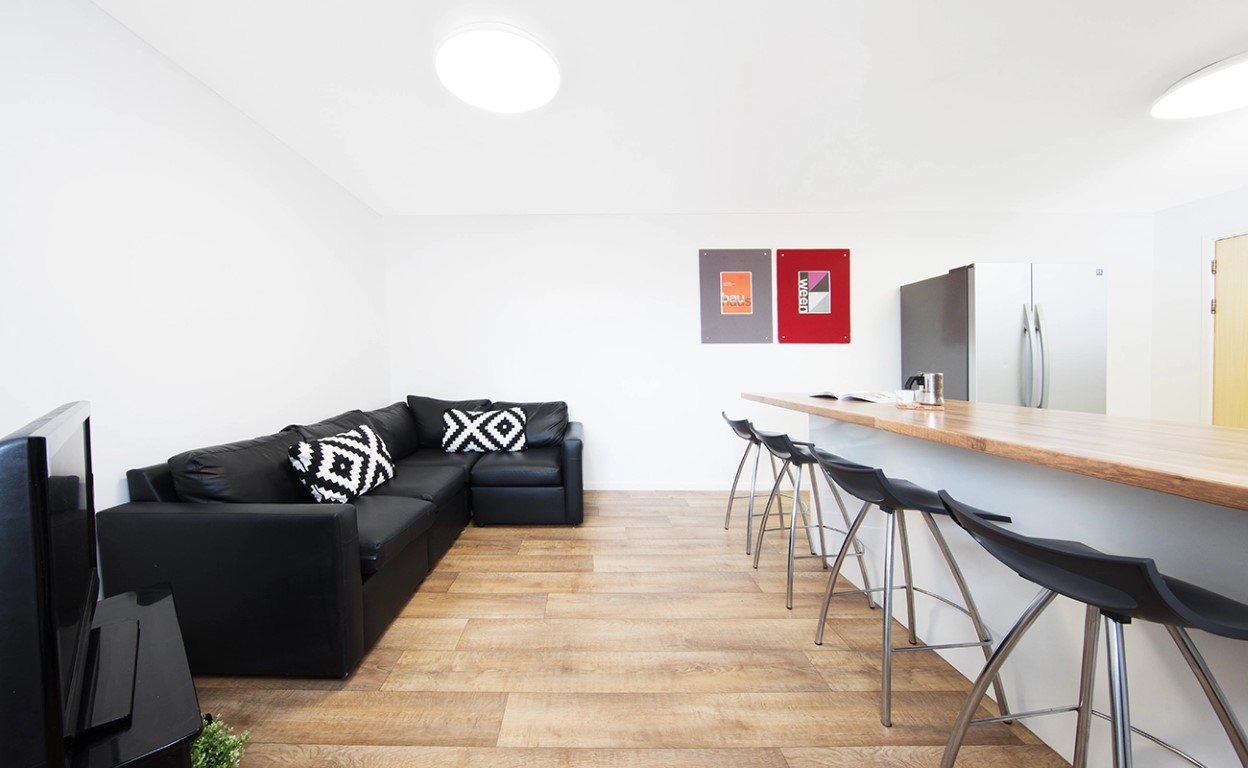
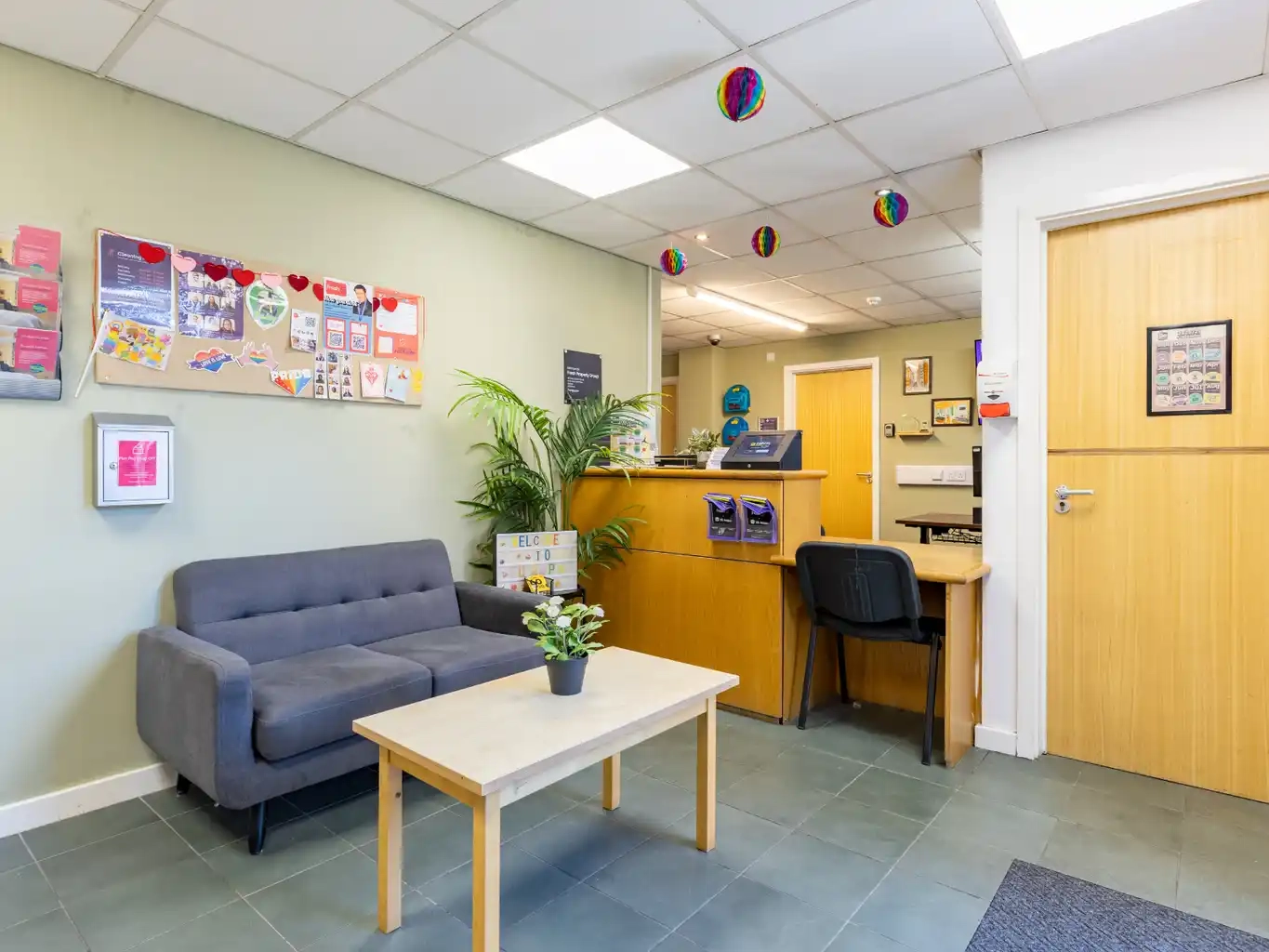
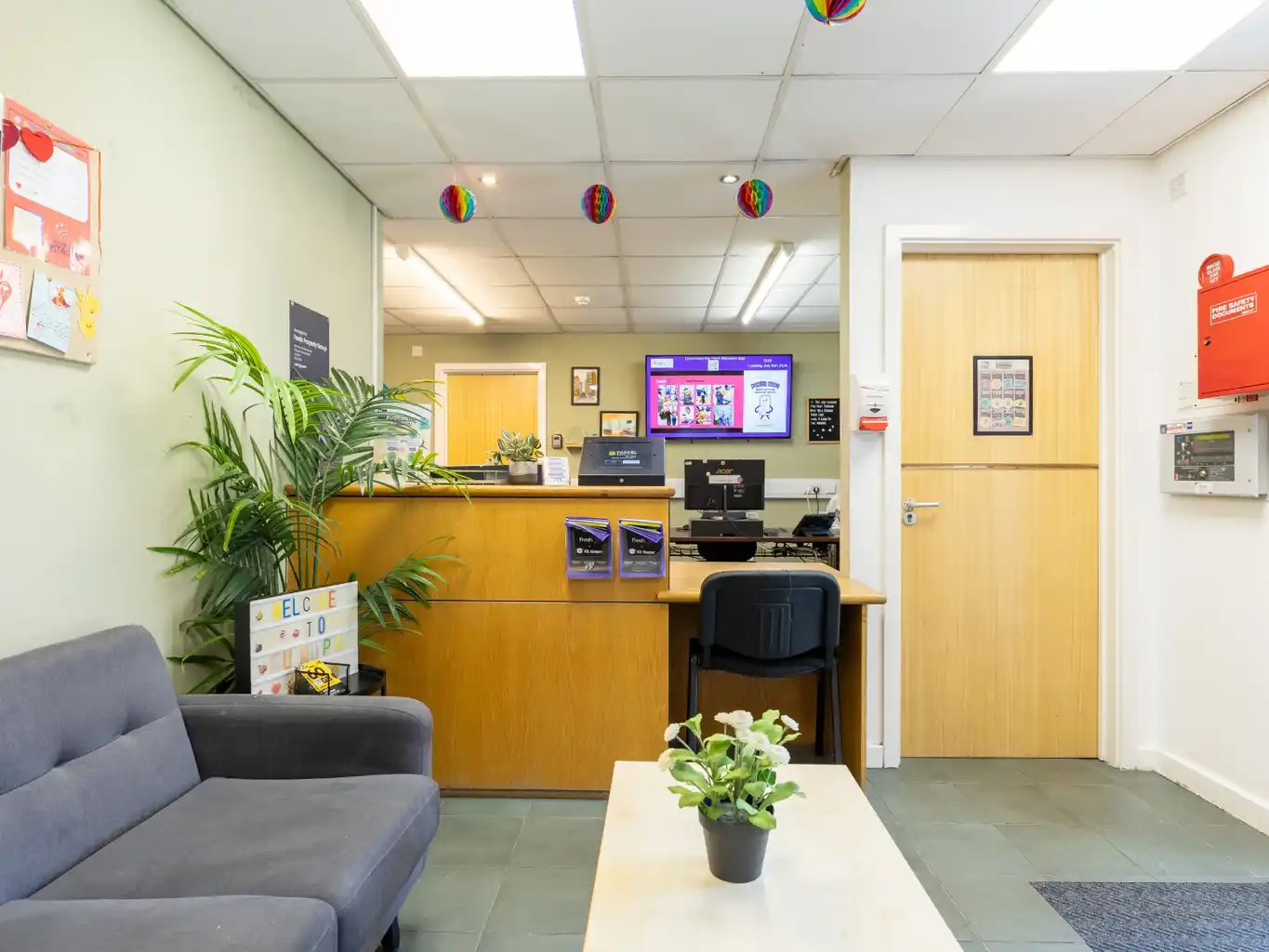
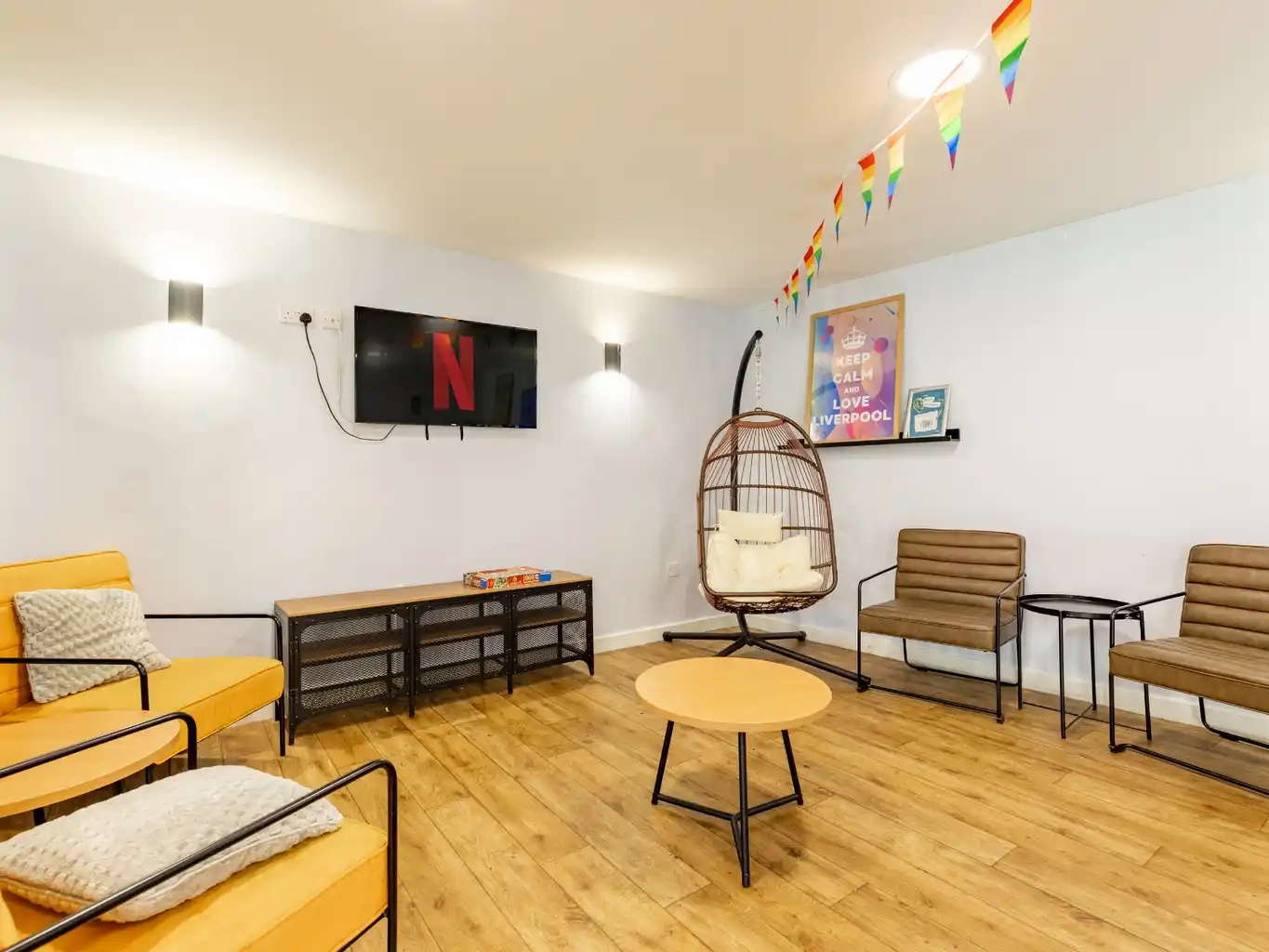
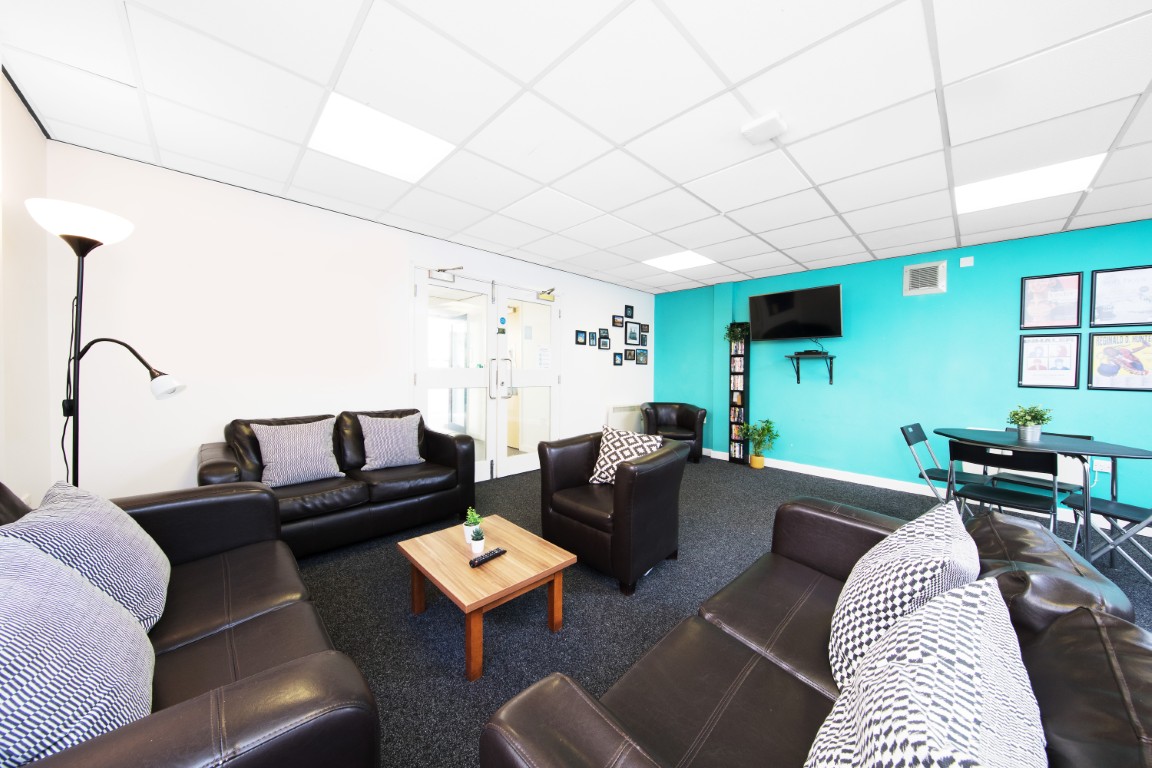
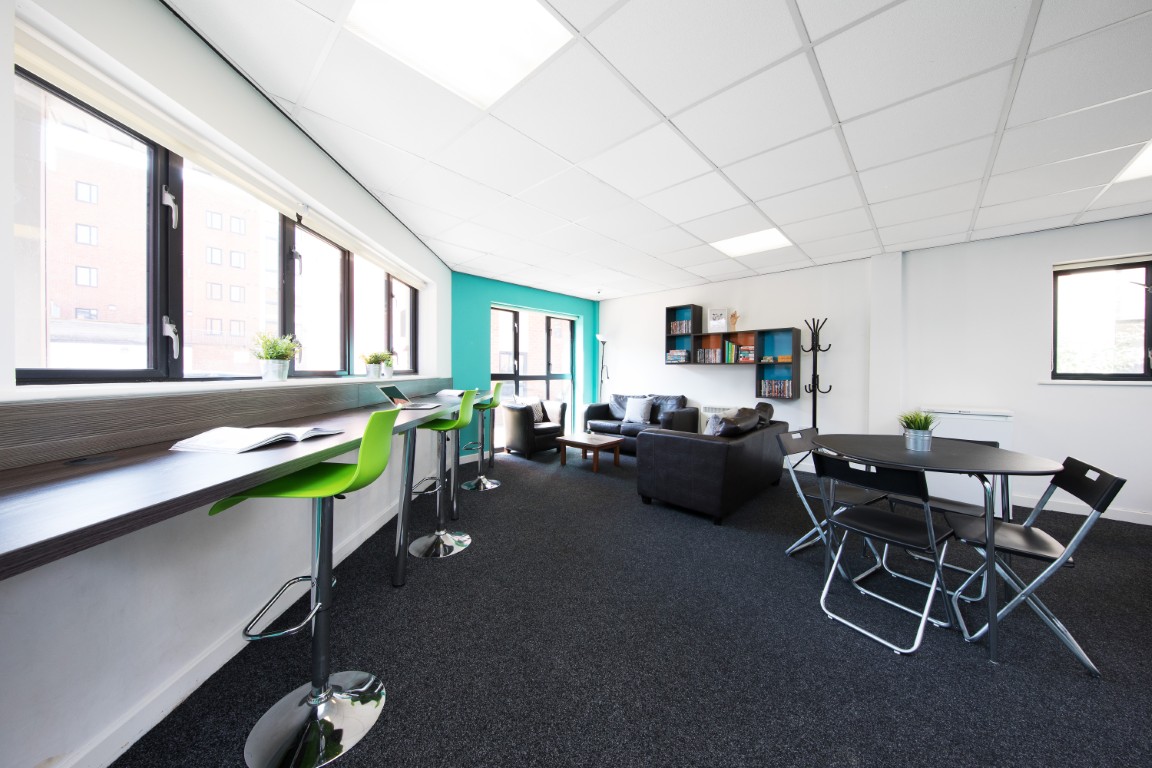
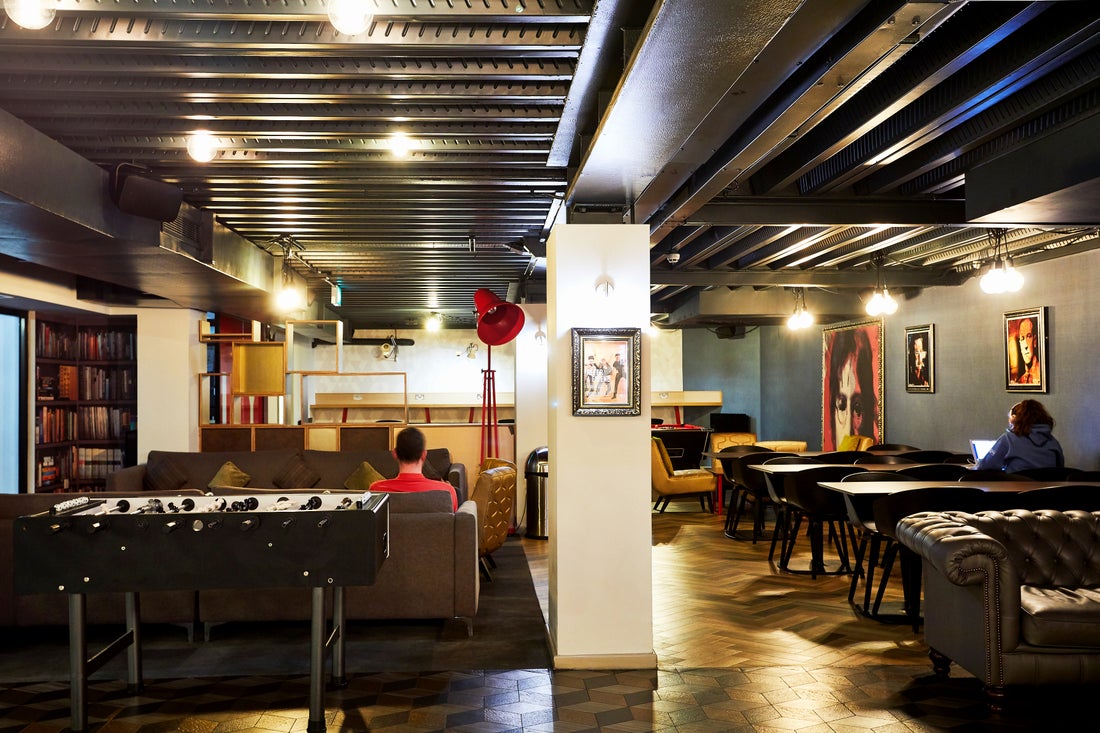
 Communal Area
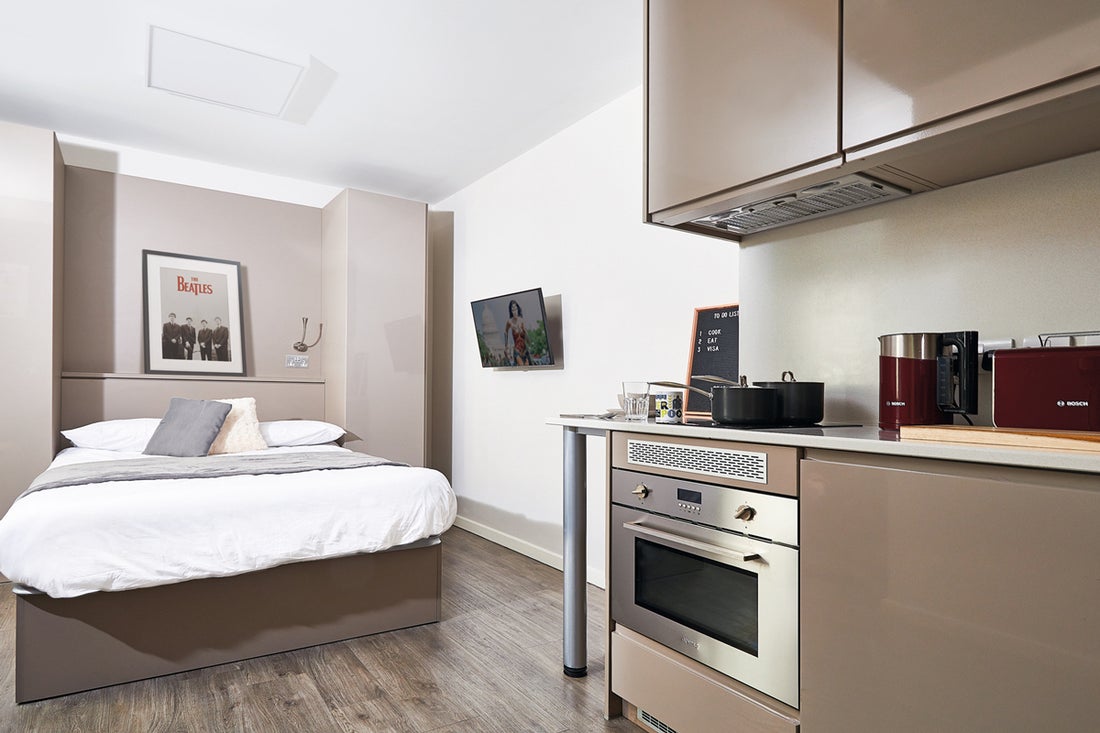
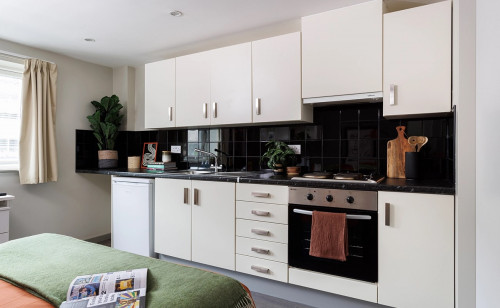 Rooms
Rooms
Add to Shortlist




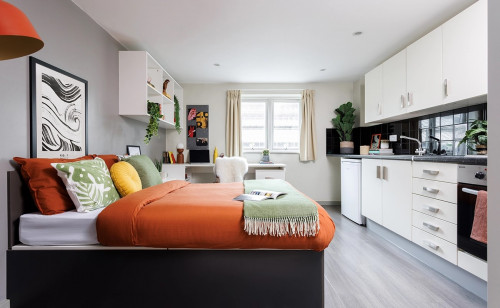


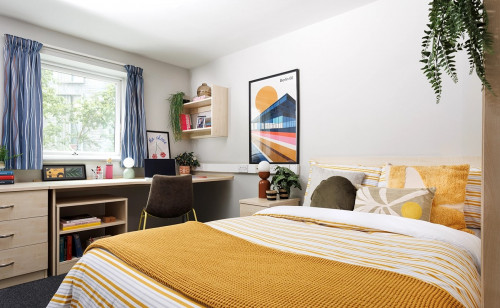
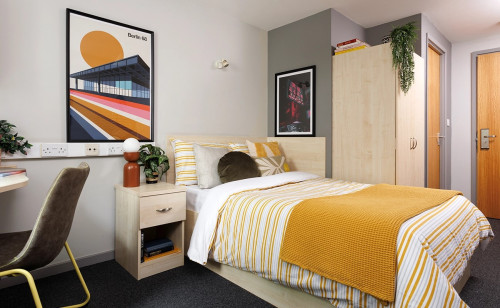
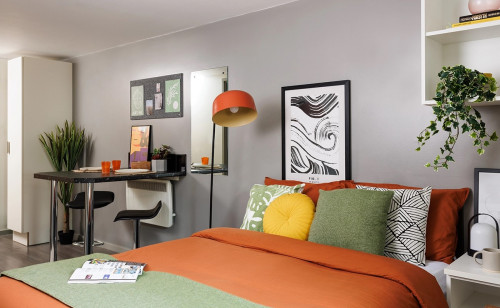
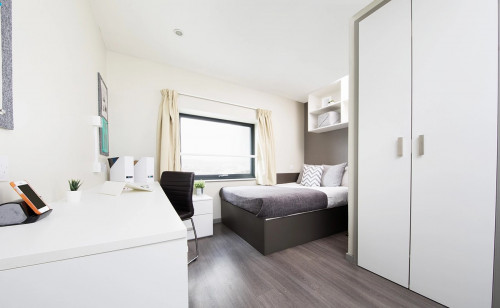
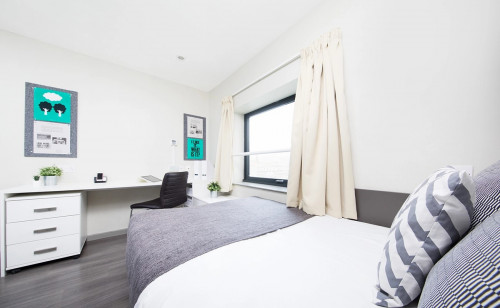
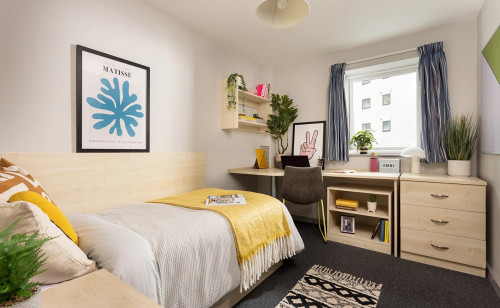
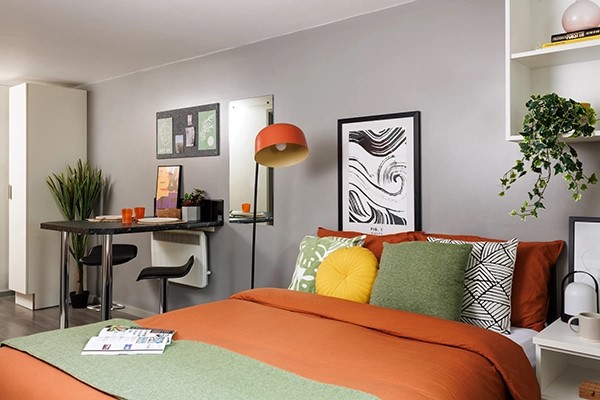
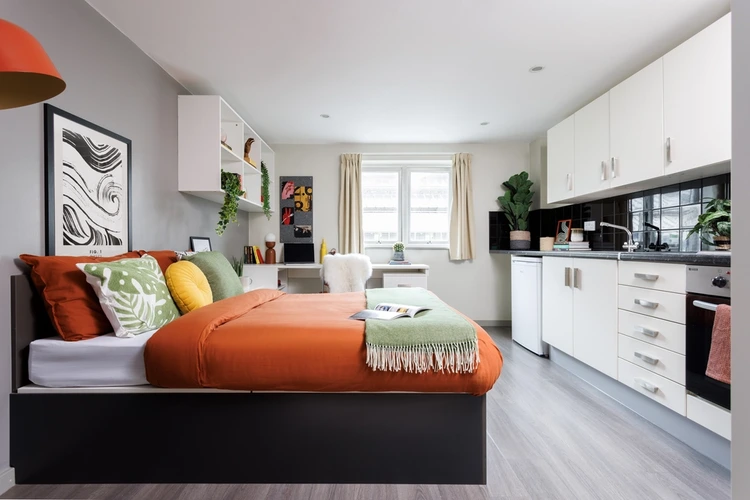
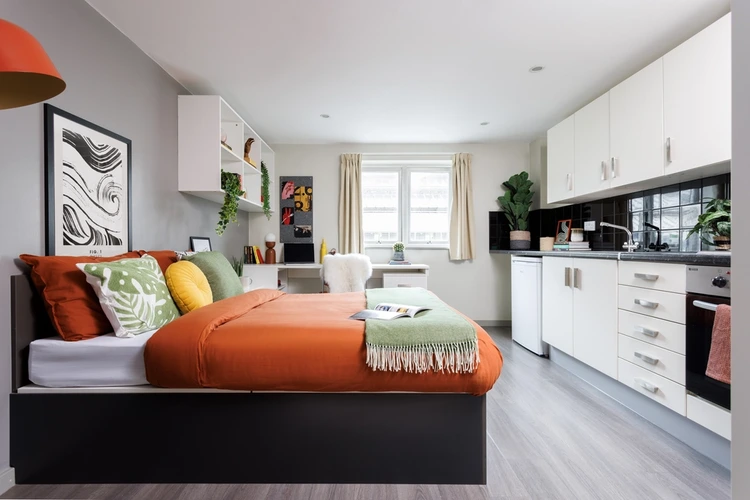

Grand Central Unite Overview
Grand Central Unite is a Liverpool student accommodation that provides students with accommodation near their respective universities. Grand Central Unite provides en-suite rooms and studios for students to choose from.
Features
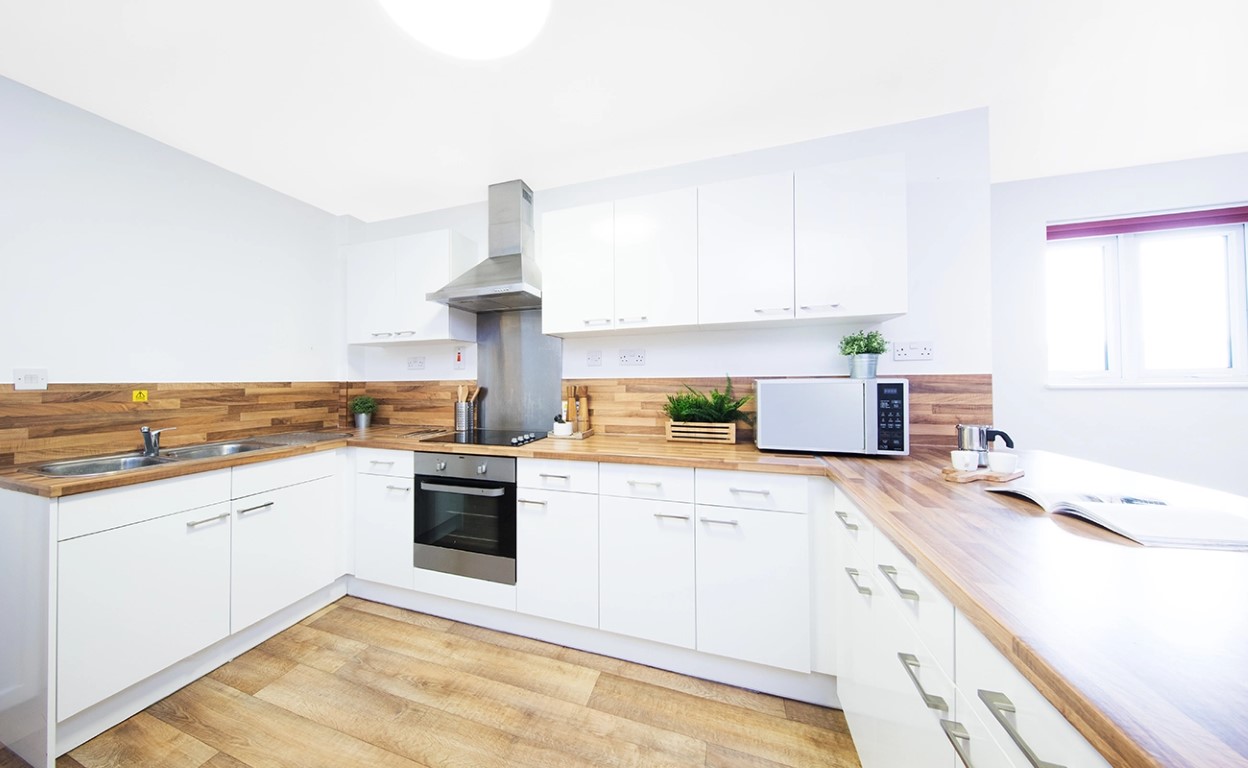
Grand Central Unite, a Liverpool student accommodation, provides several amenities. All bills are included in the rent, and no deposit is required. The building has bike storage, laundry, recycling, and printing facilities, and vending machines. Grand Central Unite also provides a common area and outdoor social space that allow you to socialize and get to know your flatmates and of course, CCTV, secure access, onsite service team with 24/7 assistance and maintenance support.
Liverpool is considered one of the UK’s oldest borough-turned-cities. It is famous for its musical history, and beautiful old cathedrals. This Liverpool student accommodation is located in the heart of the city.
Places to Visit
- Alma Supermarket is seven minutes away.
- Oasis Supermarket is two minutes away.
*All Liverpool John Moores University must go through the university to book.
*The gym is permanently closed.
Highlights Nearby:
The University of Liverpool is just a 5-minute drive from the premises. And Liverpool John Moores University, City Campus is just a 10- minute drive away.
More than 10 bus stations surround the building premises. Elliot Street is the closest to the building, others include Whitechapel, Fraser st., and Queen Square.
Facilities & Services
 NO Smoking
 NO Pets
 24/7 Security + CCTV
Choose Your Room

High Single Non En-Suite
From
£250 Advanced Rent
Move-in
09 Jan, 2027
Move-out
10 Jul, 2027
Total: £2,730
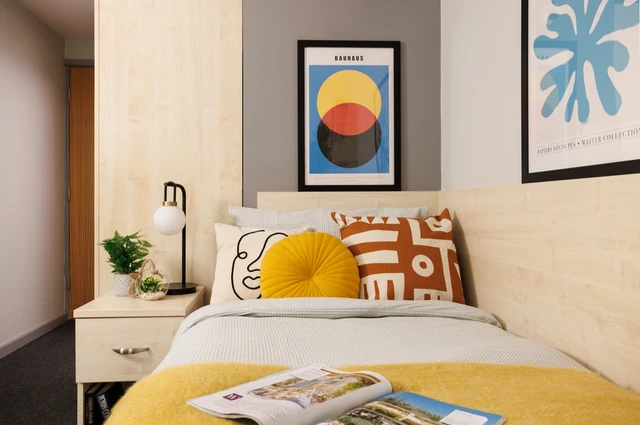
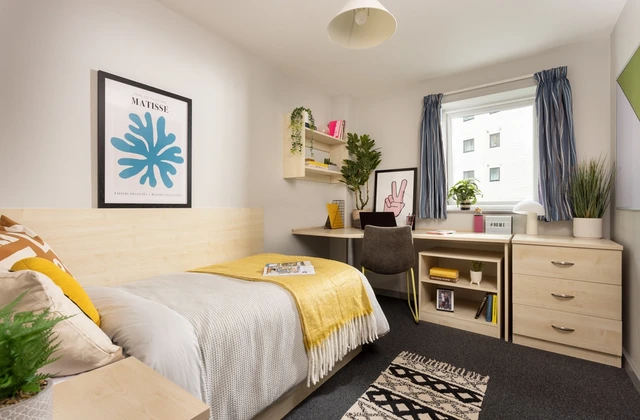
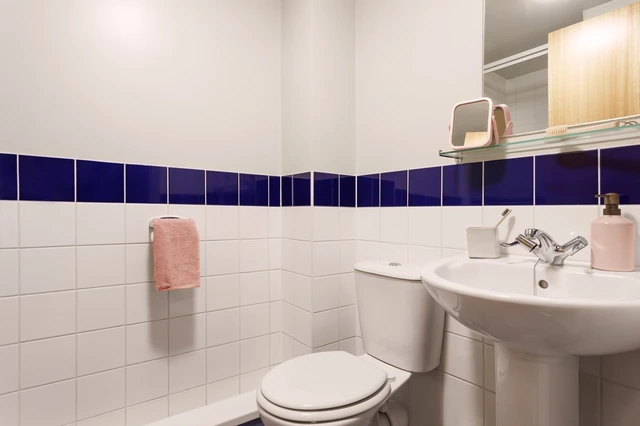
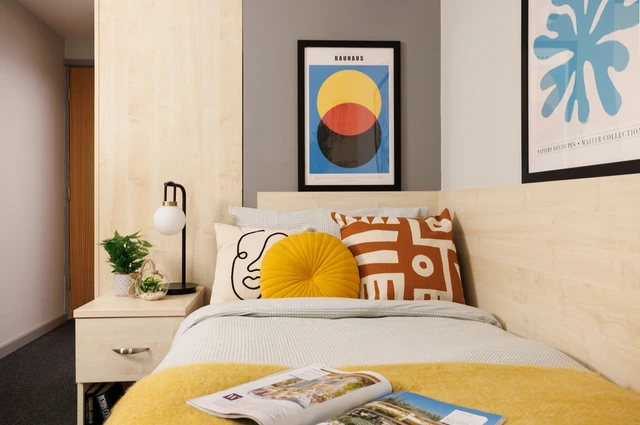
Large Standard Single En-Suite
From
£250 Advanced Rent
Move-in
09 Jan, 2027
Move-out
10 Jul, 2027
Total: £3,848
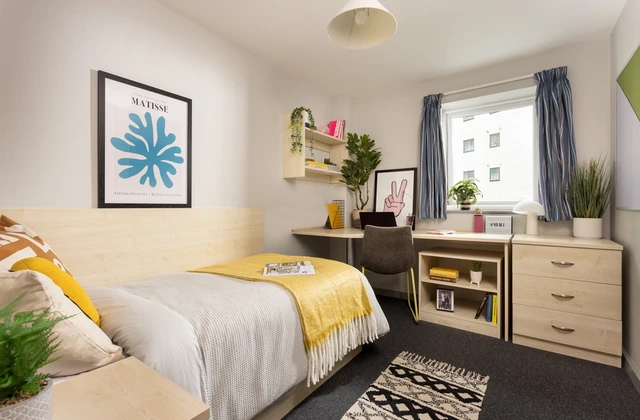
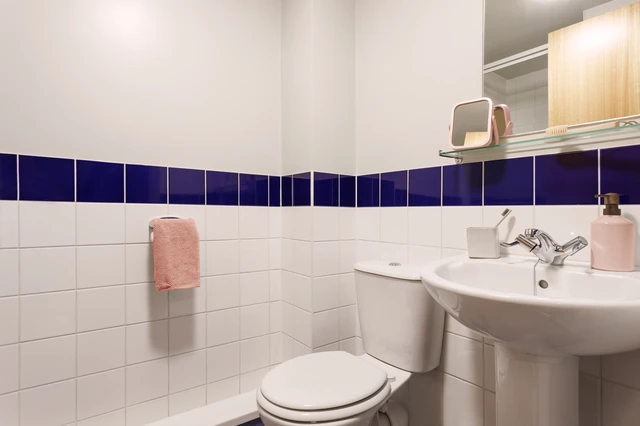
Large High Single En-Suite
From
£250 Advanced Rent
Move-in
23 Sep, 2026
Move-out
19 Jun, 2027
Total: £5,764.29
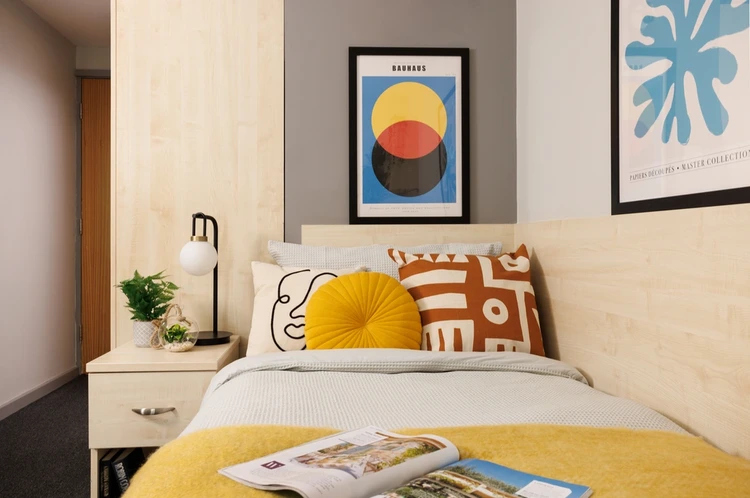
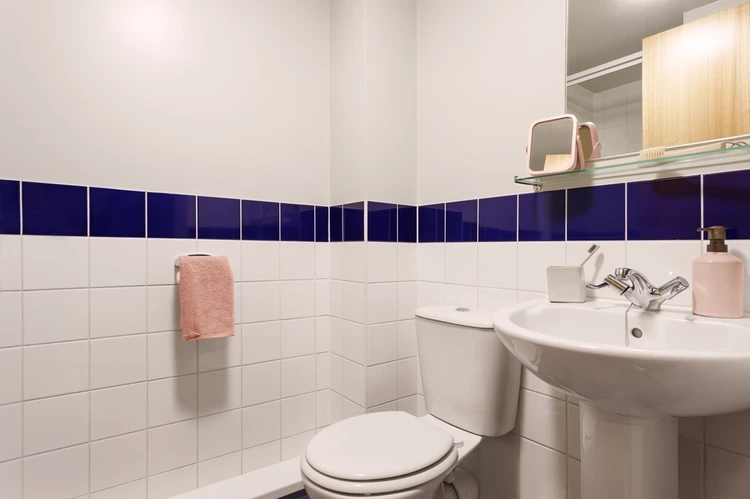
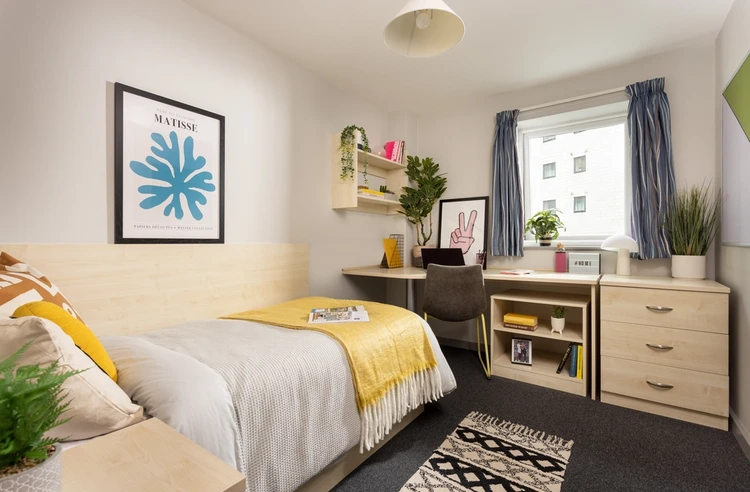
Extra Large High Single En-Suite
From
£250 Advanced Rent
Move-in
09 Jan, 2027
Move-out
10 Jul, 2027
Total: £3,978
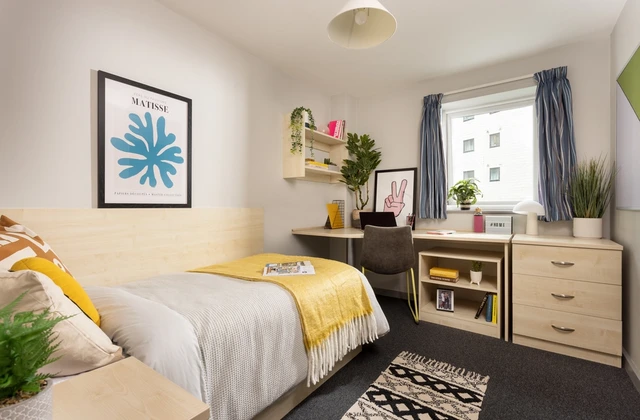
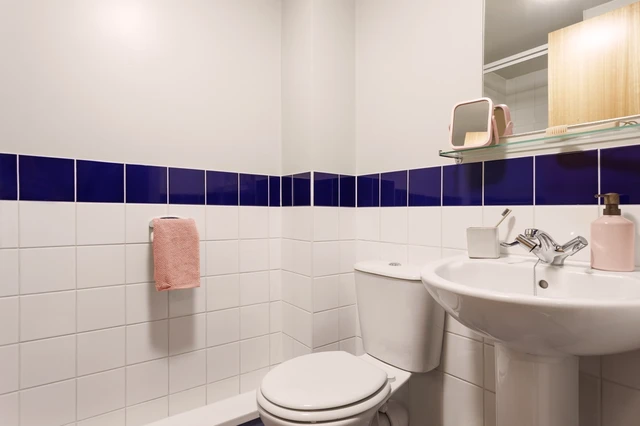
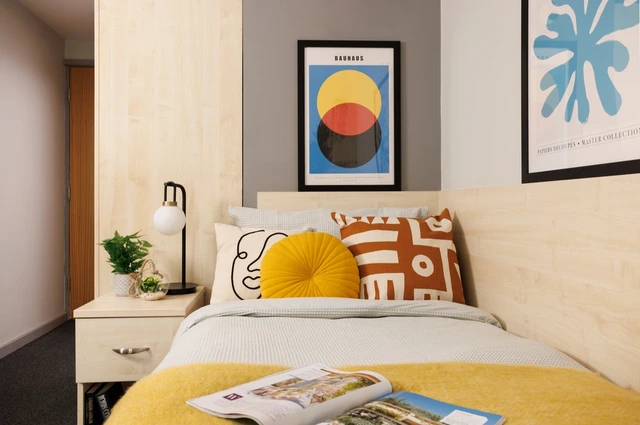
Extra Large Standard Double En-Suite
From
£250 Advanced Rent
Move-in
09 Jan, 2027
Move-out
10 Jul, 2027
Total: £4,004
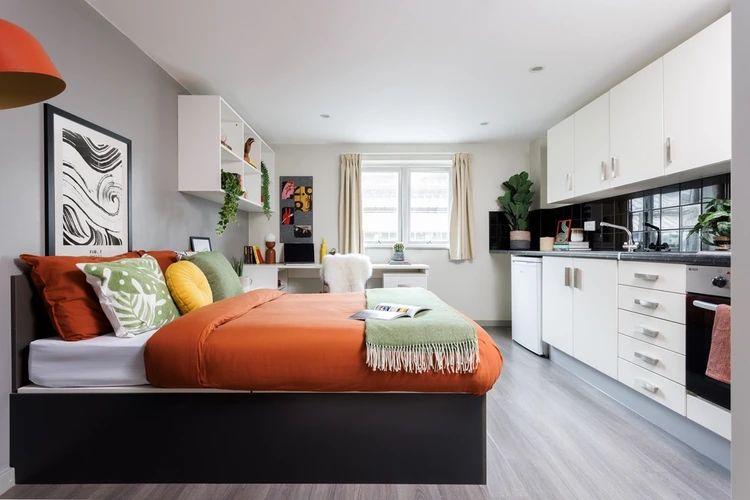
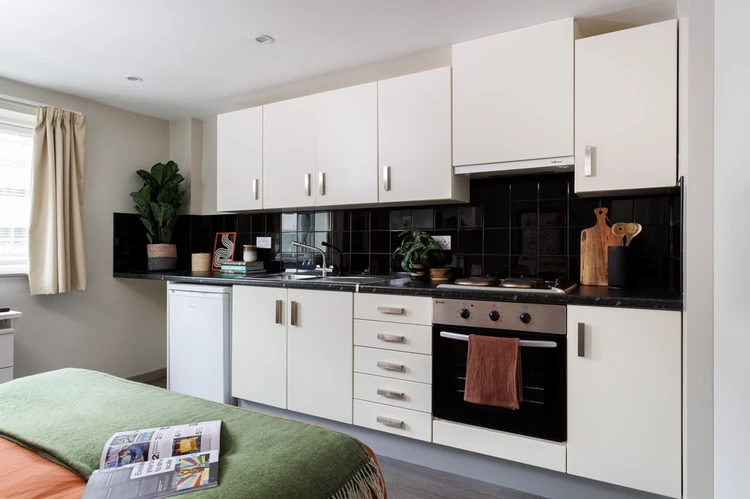

Large High Double Studio
From
£250 Advanced Rent
Move-in
23 Sep, 2026
Move-out
28 Aug, 2027
Total: £9,927.86

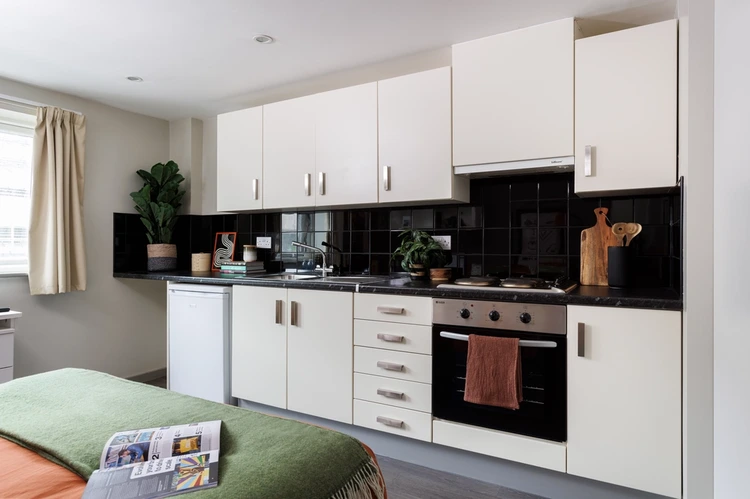
Large Highest Double Studio
From
£250 Advanced Rent
Move-in
23 Sep, 2026
Move-out
28 Aug, 2027
Total: £10,024.71

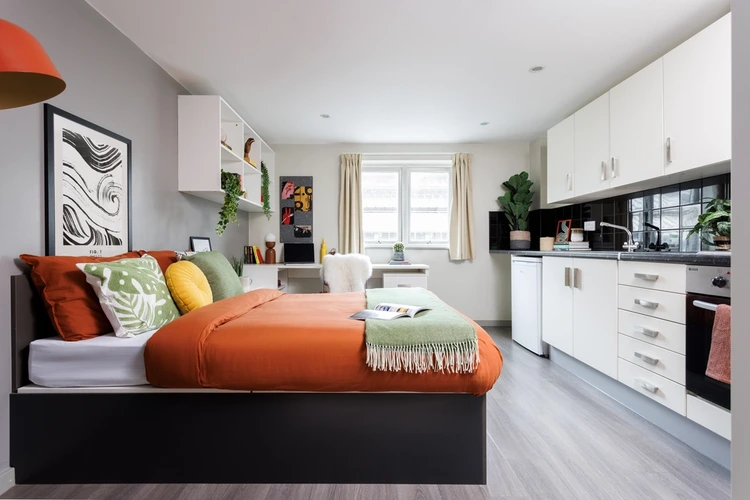
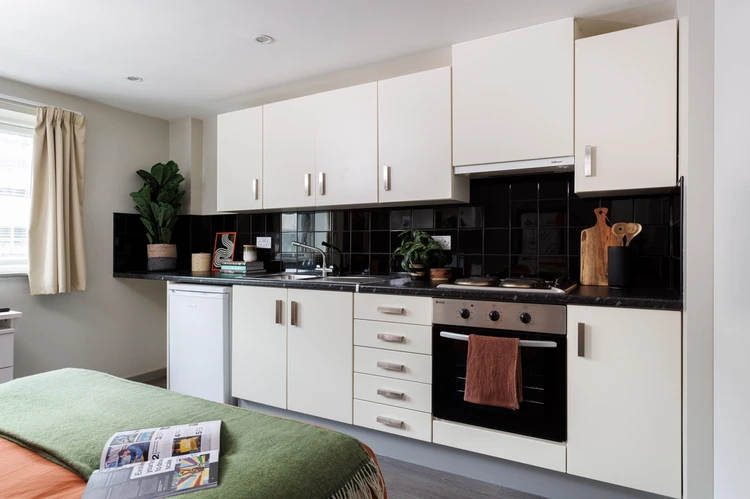
Large Standard Double Studio
From
£250 Advanced Rent
Move-in
23 Sep, 2026
Move-out
10 Jul, 2027
Total: £8,617.14

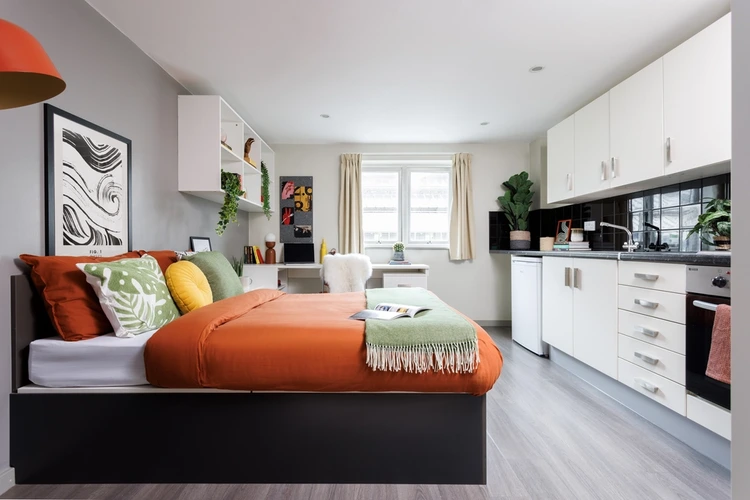
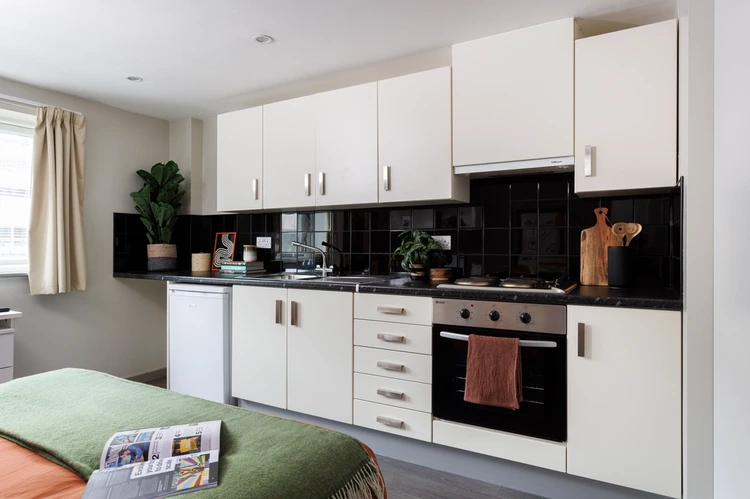
Medium Highest Double Studio
From
£250 Advanced Rent
Move-in
23 Sep, 2026
Move-out
10 Jul, 2027
Total: £8,658.57

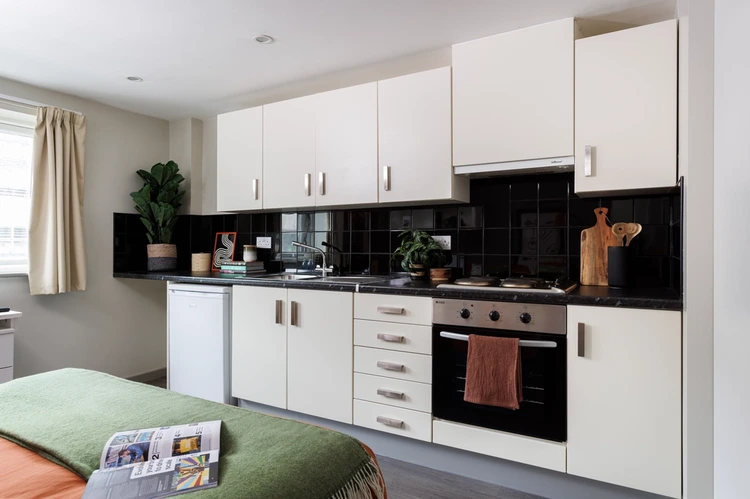
Extra Large Highest Double Studio
From
£250 Advanced Rent
Move-in
23 Sep, 2026
Move-out
28 Aug, 2027
Total: £10,170
Prices and availability are indicative. Final confirmation at booking.
Payment & Cancellation

Payment Terms
Is an advance rent payment required to secure my booking?
Yes. Students booking accommodation in England must pay an advance rent payment of £250 to secure their booking. This amount will be deducted from your first rent instalment.
How can I pay the advance rent?
You can pay by bank transfer, debit card, or credit card. If paying by bank transfer, use your booking number starting with RN as the payment reference to ensure your payment is allocated correctly.
Can I pay my rent in instalments?
Yes. Depending on your property, you may be able to pay your rent in 1, 2, 4, 7, or 8 instalments. Some properties have different instalment options, so check your Tenancy Agreement for the options available to you.
When is my rent due?
Your rent payment dates depend on your property and chosen payment plan. Full rent payments are generally due by 1 August 2026, although some cities and properties have different payment dates. Please check your Tenancy Agreement for your exact payment schedule.
How can I pay my rent?
You can pay your rent by bank transfer, debit card, or credit card.
Do all properties have the same payment dates?
No. Payment dates can vary by property and city, and some properties have bespoke instalment schedules. Always check your Tenancy Agreement for the exact dates and amounts due.

Cancellation Policy
Can I cancel my Unite Students booking during the cooling-off period?
Yes. You can cancel your booking within 7 days of receiving confirmation that your booking is complete, as long as you have not collected your accommodation keys. You will not be charged, and any deposit or advance rent paid will be refunded. Different cooling-off rules may apply to rooms in Wales.
Can I cancel my booking after the 7-day cooling-off period?
After the cooling-off period ends, you are generally responsible for the payments due under your Tenancy Agreement unless an eligible replacement tenant is found or you enter into a new tenancy with Unite Students.
Can I cancel my booking if I find a replacement tenant?
Yes, you may propose a replacement tenant. However, Unite Students must approve the replacement and may instead put the room back on general sale or offer it to another student on a waiting list. You will be released from your tenancy 7 days after a replacement arrangement is made.
What happens if I find a replacement tenant after my tenancy starts?
You will be released from your tenancy when the replacement tenant's new tenancy begins. If you have already occupied the room, a £50 charge will apply to cover the cost of preparing it for the new tenant.
Can I cancel my booking if I do not get the required university grades?
Yes, eligible first-year undergraduate students may be able to cancel under the No Place No Pay policy if their chosen university withdraws their offer because they did not achieve the required grades. You may also qualify if you exceed your expected grades and choose to attend a different university.
What documents do I need for No Place No Pay?
You must provide either a university, college, or UCAS rejection confirming that you did not achieve the required grades, or proof through UCAS Adjustment that you have accepted a place at another university. These documents must be submitted with the Cancellation Form within 7 calendar days of your results being published.
Can I cancel my tenancy if I withdraw from university or suspend my studies?
If you are an eligible Common Law Tenant living in England from the 2026/27 academic year, you may be able to end your tenancy if you withdraw from, are excluded from, or are refused admission to your institution. You may also qualify if you have been absent from your course for more than 60 days due to illness and have agreed with your university to suspend your studies.
How much notice do I need to give if I qualify for this cancellation right?
You must provide at least 4 weeks' written notice, state your intended departure date, and provide satisfactory evidence of your non-student status or suspension of studies. You must also move out by the departure date stated in your notice.
The above cancellation policy is a synopsis of the property’s cancellation policy. There could be a few changes incorporated from time to time. Hence, we recommend you review the full Accommodation Contract for a comprehensive understanding of their cancellation policies.
Frequently Asked Questions
When can I move in?
You can move in at the start of your tenancy or after. You will have to book a check-in slot; however, before moving in, this should be booked at least 24 hours before the date selected. Booking a check-in timeslot is done on the MyUnite app. Contact our staff for more information regarding check-in.
What can I do if no check-in slots are available?
If you cannot find your preferred check-in slot, you can choose it a day before or after, as long as it's more than 24 hours before arrival. Keep checking the time slot availabilities, as these could change, and you can have more options.
Should I pay council tax?
Having a full-time student status will exempt you from council taxes; however, you will have to inform the council about your status. You will only be required to pay council taxes if your status as a student changes.
How can I know if I've received a parcel?
You can check the mailbox regularly. If the reception has received your parcel, however, you will be notified via the MyUnite app.
How do I use the washer or dryer in the MyUnite app?
If the laundry option is available on your MyUnite app's menu, you can use the app to pay and use the washing machine or dryer. To use the facility, you'll have first to use the Laundry icon, add credit through PayPal or card, top up, scan the machine's QR code and confirm your choice. Then all you need to do is press the start button on the machine. You can also keep track of your laundry by checking the "status " icon. Variations may occur based on the property.

See More Questions (2)
Similar Properties

 Exclusive £50 Voucher
1
Extras!
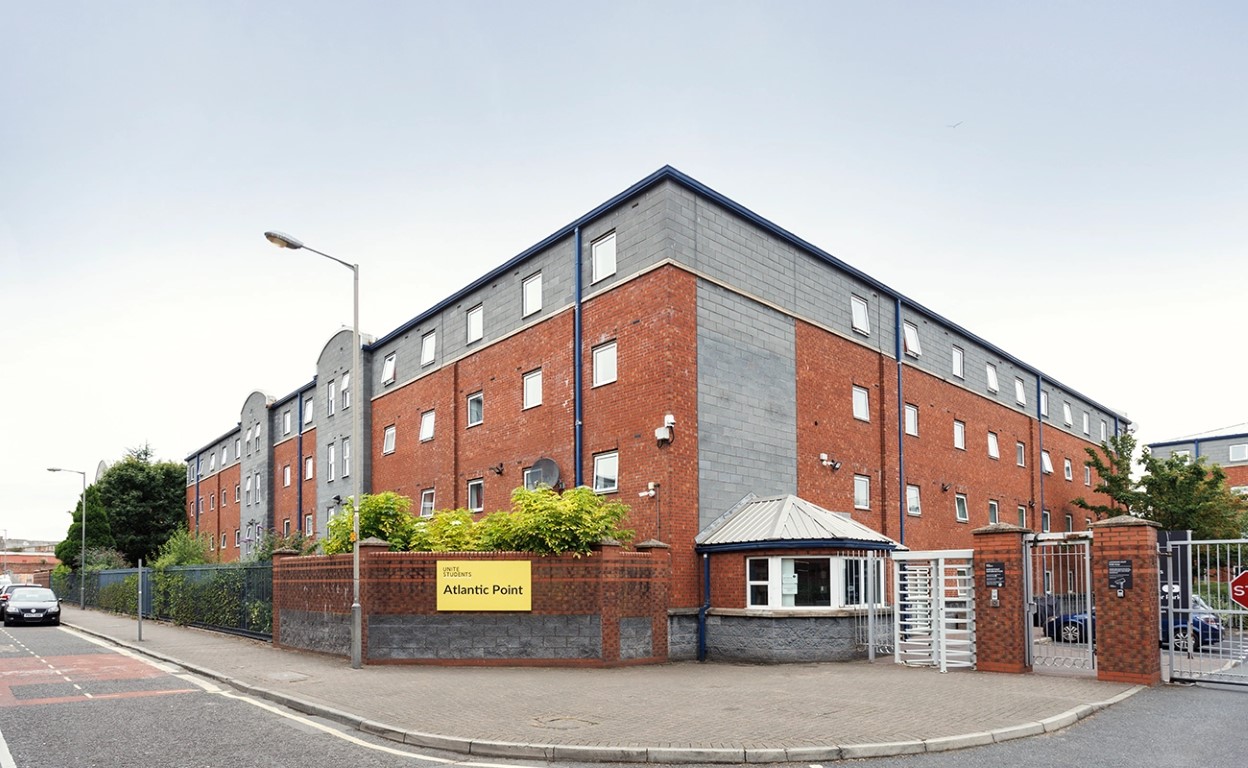


11 mins walk to Central Liverpool

Min: £123 - Max: £142
- Exclusive £50 Voucher
1
Extras!
22 mins by public transport to Central Liverp ...
Min: £95 - Max: £140
- Exclusive £50 Voucher
1
Extras!

22 mins by public transport to Central Liverp ...
Min: £145 - Max: £219
- Exclusive £50 Voucher
1
Extras!

7 mins walk to Central Liverpool
Min: £199 - Max: £321.20